
D3C Video Review &
15-Minute Consultation
To ensure every student gets my full attention and a 'Crystal Clear' fix, I limit my schedule to 50 video reviews per week. Book your spot below to secure your review this week.
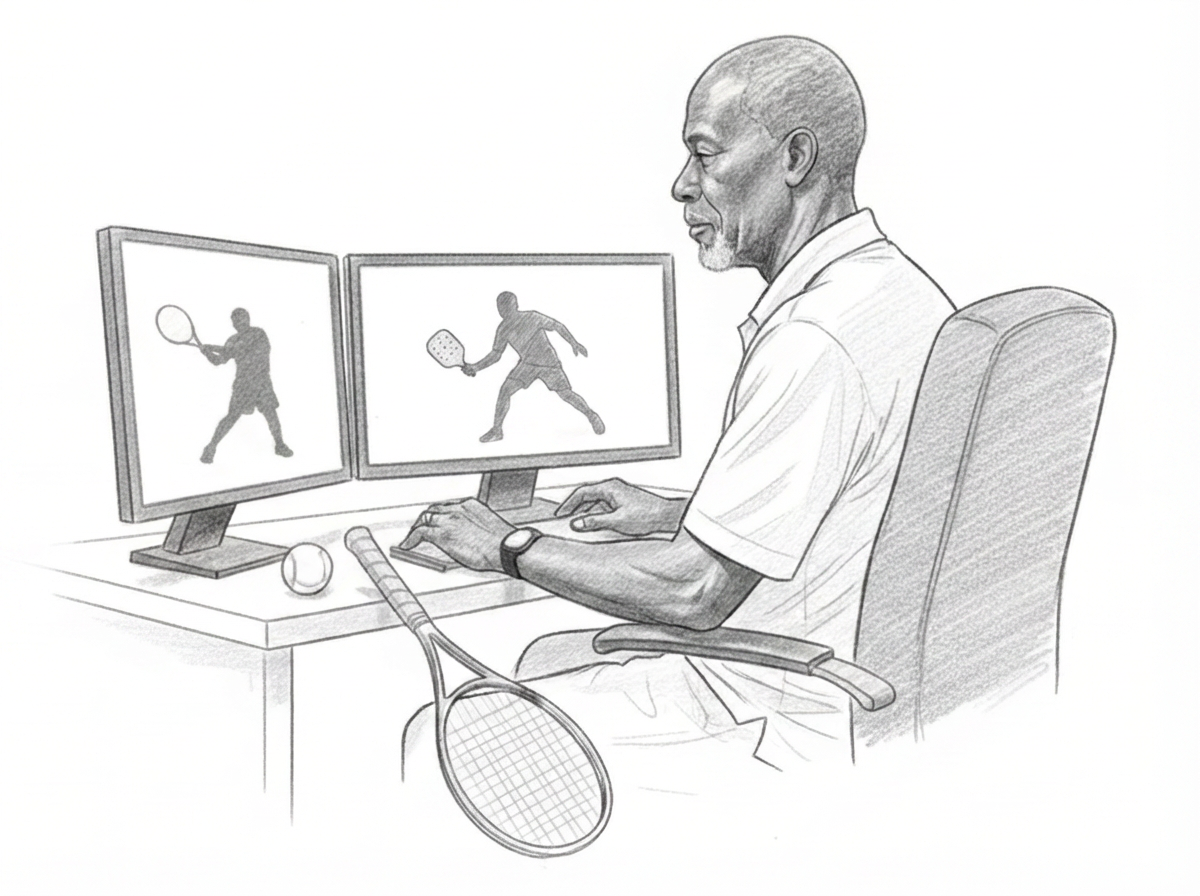
Get professional feedback on your tennis or pickleball game from the comfort of your home.
Booking opens in a secure Acuity Scheduling page in a new tab.
How It Works
Step 1. Book & Pay. Click the button above to choose your time and pay securely via Square.
Step 2: Send Your Video. After you book (or during checkout), you’ll see a link to upload your video. If you miss it, don’t worry — the upload link is also in your confirmation email. Keep the video 10-20 seconds total (about 10-15 swings). A phone video is perfect.
What to video-record (simple):
10-20 seconds total
Forehands + backhands (t) or groundstrokes/dinks (pb) - a few each.
Video-record from behind the baseline if possible
Optional: Overhead swings (t) or drives/volleys (pb)


Note:
The upload form requires a Google sign-in for security. If you don't have a Google account, that’s okay. Just text your video to me at:
254-493-3116
If I don’t receive your video, I will text you the upload link (using the phone number you booked with).
Step 3: The Review. I will analyze your video using the D3C (Attention, Position, Create the Expected Bounce) method.
Step 4: The Call. We meet for 15 minutes (phone or Zoom). I’ll explain your one key fix and your next steps.